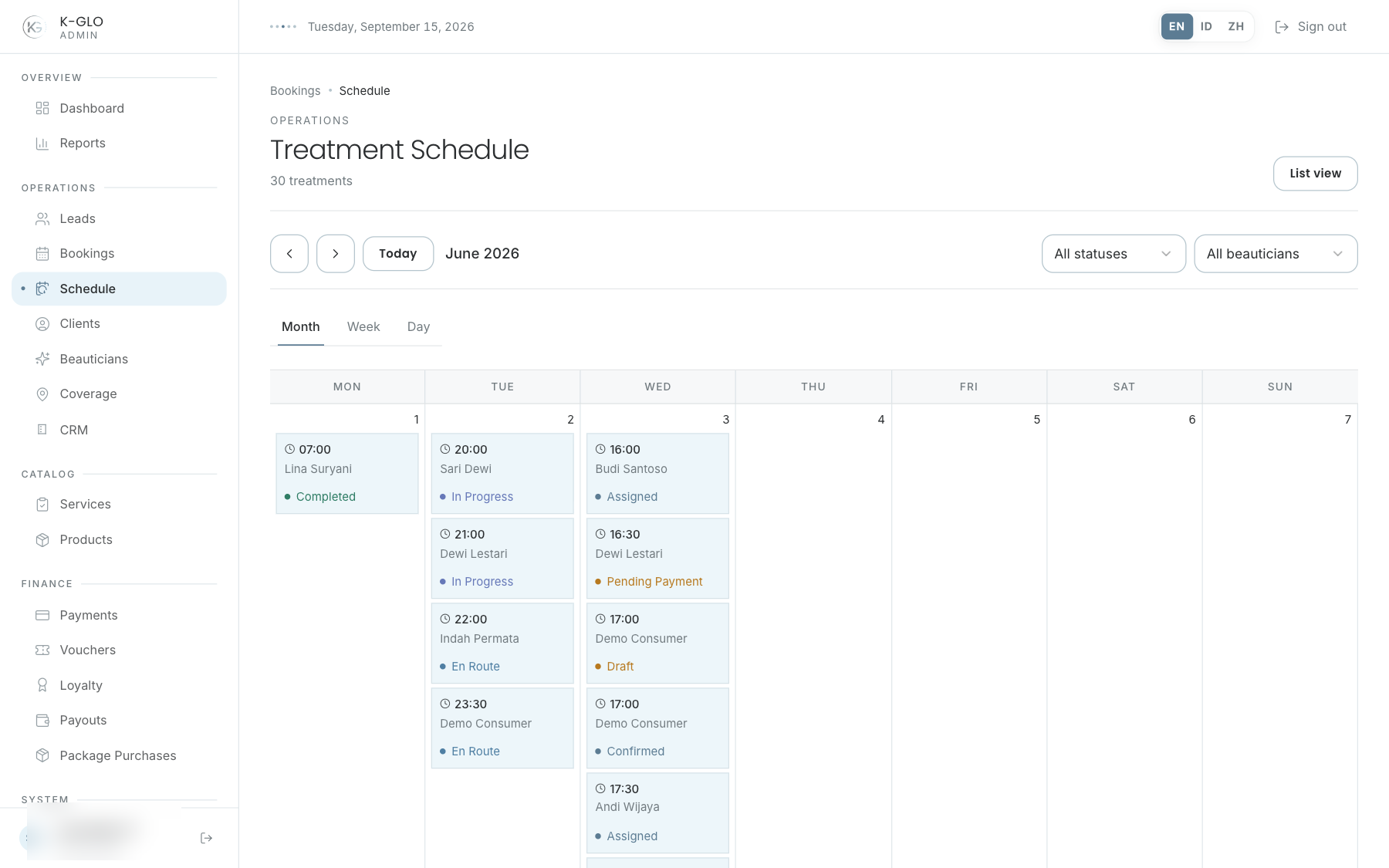
Calendar controls
- Choose Month, Week, or Day.
- Use Previous, Today, and Next to move between periods.
- Use the status and beautician filters to narrow the schedule.
- The view, date, and filters persist when navigating periods or switching views.
Open a booking
Each chip shows a status indicator and can be selected to open the booking inspector. Every calendar time uses Asia/Jakarta.
Video walkthroughs
English Admin Web recordings from isolated demo data, slowed down so the steps are easier to follow. Secret values are masked. No external payment or provider delivery is performed.
Recorded:
admin switches calendar views and filters by booking status 0:05
Covered steps
- Switch to Week and Day views and apply a booking-status filter.
admin navigates schedule periods and preserves status and beautician filters across calendar views 0:11
Covered steps
- Use Next, Today, and Previous; filter by status and beautician; verify filters persist across Month, Week, and Day; open a booking from its calendar entry.