清单与详情
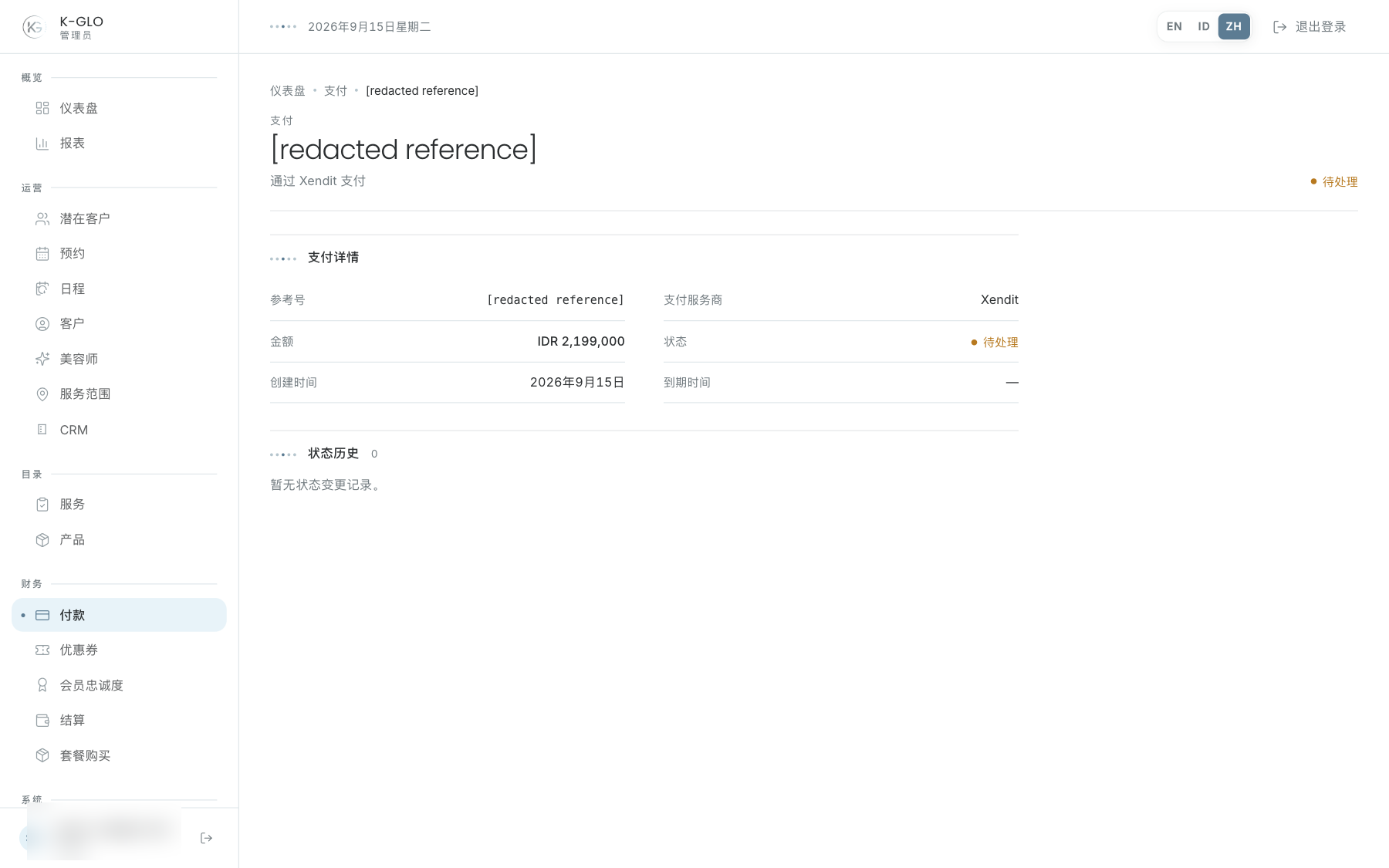
清单显示支付数量摘要并提供状态筛选。应用状态后,打开记录查看交易信息、事件历史和已记录的退款。CSV 导出会保留当前状态筛选条件。
退款
退款表单仅对 super_admin 开放。填写金额和原因。勾选记录结算选项后会显示结算证明字段;未勾选时,提交只会创建待处理的退款请求,不表示款项已经退回。
- 核对交易、客户和金额。
- 阅读事件历史和已有退款记录。
- 只有在结算确实发生后才填写证明;核对金额、方式、参考编号和不匹配警告。
- 若尚无证明,请保持结算记录选项未勾选后提交请求。
提交结算证明会将管理员确认的资金移动记录到本地退款台账;该操作不会执行银行转账或支付服务商撤销。
提交前修改或取消证明输入不会创建退款。不要将待处理请求视为支付服务商退款或已结算。
操作演示视频
视频使用隔离演示数据录制英文管理后台,并放慢播放以便跟随操作。敏感值已遮蔽。未执行外部付款或服务商发送。
录制日期:
admin reserves a refund request without claiming an unperformed provider transfer 0:10
已覆盖步骤(英文)
- Open a confirmed payment detail, inspect status history, and review the refund form.
- Toggle settlement evidence on, observe the amount-mismatch warning, then cancel that evidence entry without submitting it.
- Submit a refund request without settlement evidence and verify it remains pending with no settled amount.
admin filters payments by status and exports the filtered list 0:07
已覆盖步骤(英文)
- Filter payments to paid status.
- Verify the fixture payment appears and the export link retains the status filter.
- Click the filtered CSV export, then verify its response schema/data and payment reference.
admin exports each operational finance list with its CSV schema 0:06
已覆盖步骤(英文)
- Open the payments list and click its visible CSV export control.
- Verify the export response schema and that it contains data.
admin records a refund settlement from synthetic local evidence 0:07
已覆盖步骤(英文)
- Select settlement recording, enter a synthetic reference and manual-transfer method, submit matching settlement evidence, and verify the processed refund, amount, method, and reviewing administrator in the local ledger.
测试边界(英文)
- Settlement evidence in this walkthrough is synthetic and records a local administrative assertion only. No payment-provider refund or actual money movement is invoked.